AI Compute Guide: AI-Ready PCs vs GPU Workstations vs AI Servers | RDP
The shift is real: AI is moving from “experiments” to everyday operations
In 2026, most organizations aren’t asking “Should we do AI?” They’re asking: “What compute should we buy first—so pilots become rollouts?”
The biggest confusion we see is that AI compute decisions are often made using the wrong lens:
Buying a server when the problem is actually an endpoint workflow
Buying a GPU workstation for a use-case that needs a shared inference service
Over-building for training when the real requirement is secure inference
This guide gives a simple decision framework for choosing between:
AI-Ready PCs (endpoint AI)
GPU Workstations (AI dev + computer vision build/test)
Single-node AI Servers (team inference + model serving on-prem)
This article focuses on endpoint + workstation + single-node AI servers. If your requirement is rack-scale pods/clusters and data center infrastructure, that belongs to AI infrastructure programs (separate track).
The simplest way to decide: start from the use-case
Before hardware, answer these 5 questions:
Where will AI run? Endpoint / team server / shared lab
How many users? 10 / 50 / 500+
What concurrency? How many will use it at the same time?
What is the data constraint? On-prem only / hybrid / cloud OK
What kind of workload? Productivity, vision, dev, inference, light training
If you can answer just these, you can choose the correct form factor with high confidence.
Quick decision table (bookmark this)
Requirement
Best Fit
Why
Knowledge workers using AI daily (summaries, drafting, copilots)
AI-Ready PCs
AI at the endpoint; scalable and manageable
AI dev team needs GPUs for experiments, notebooks, evaluation
GPU Workstations
High GPU acceleration with a developer-friendly setup
Department needs a secure “private AI service”
Single-node AI Server
Central inference/service, controlled access, predictable performance
Computer vision project needs fast iteration + model testing
GPU Workstations (build/test) + Server (deploy/infer)
Workstation accelerates build; server standardizes deployment
Many users need shared inference always-on
Single-node AI Server (start) → scale later
Shared service model; endpoint not enough for concurrency
Option 1: AI-Ready PCs
What they are
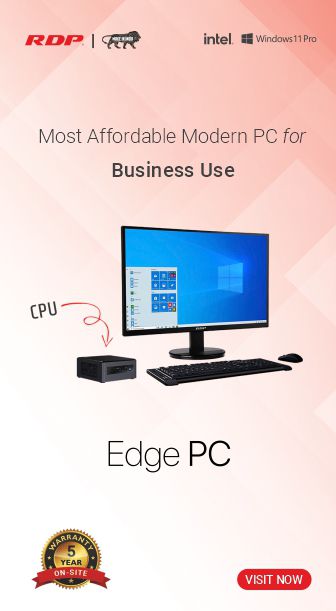
AI-Ready PCs are endpoint devices (desktops/laptops/mini PCs) optimized for modern AI workflows—often including NPUs and GPU options depending on needs.






The shift is real: AI is moving from “experiments” to everyday operations
In 2026, most organizations aren’t asking “Should we do AI?” They’re asking:
“What compute should we buy first—so pilots become rollouts?”
The biggest confusion we see is that AI compute decisions are often made using the wrong lens:
Buying a server when the problem is actually an endpoint workflow
Buying a GPU workstation for a use-case that needs a shared inference service
Over-building for training when the real requirement is secure inference
This guide gives a simple decision framework for choosing between:
AI-Ready PCs (endpoint AI)
GPU Workstations (AI dev + computer vision build/test)
Single-node AI Servers (team inference + model serving on-prem)
The simplest way to decide: start from the use-case
Before hardware, answer these 5 questions:
Where will AI run? Endpoint / team server / shared lab
How many users? 10 / 50 / 500+
What concurrency? How many will use it at the same time?
What is the data constraint? On-prem only / hybrid / cloud OK
What kind of workload? Productivity, vision, dev, inference, light training
If you can answer just these, you can choose the correct form factor with high confidence.
Quick decision table (bookmark this)
Requirement
AI dev team needs GPUs for experiments, notebooks, evaluation
Department needs a secure “private AI service”
Computer vision project needs fast iteration + model testing
Many users need shared inference always-on
Option 1: AI-Ready PCs
What they are
AI-Ready PCs are endpoint devices (desktops/laptops/mini PCs) optimized for modern AI workflows—often including NPUs and GPU options depending on needs.
Best for these use-cases (examples)
Productivity AI at scale
Drafting, summarizing, translation, slide creation, meeting notes
Support & shared services assist
Ticket summarization, SOP lookup, resolution suggestions
Field team enablement
Offline knowledge packs, guided troubleshooting, quick reporting
Secure endpoint AI workflows
Controlled data handling where the endpoint must remain local
Edge endpoints (light AI)
Kiosks, counters, lightweight camera workflows (where applicable)
Typical owners / buyers
CIO, IT, EUC, InfoSec, Shared Services Heads
When AI-Ready PCs are NOT enough
When you need shared inference for many users
When your workload is vision-heavy or GPU compute intensive
When you need one centralized model serving layer for governance
What to ask in discovery
How many endpoints? What is the user persona (knowledge worker vs power user)?
Will data ever leave the device? Any DLP/InfoSec constraints?
Any offline requirement?
Do you need NPU-first or GPU acceleration?
Option 2: GPU Workstations
What they are
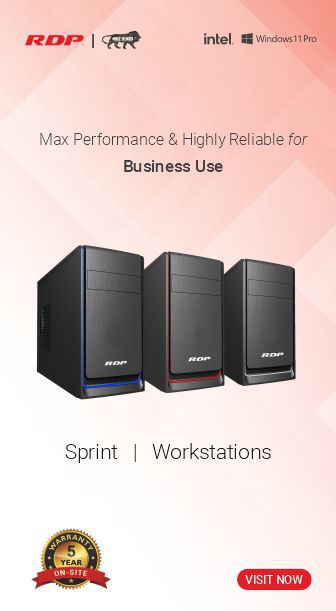
GPU workstations are high-performance systems built for:
AI development workflows
computer vision experimentation
model evaluation and rapid PoCs
creator + engineering compute acceleration
They are often the fastest way to get real AI work done without waiting for shared infrastructure.
Best for these use-cases (examples)
AI development & evaluation
notebooks, benchmarking, model testing
Computer vision build/test
training small-medium CV models, tuning, pipeline iteration
Rapid PoCs for stakeholders
show working demos fast
Engineering + AI workflows
simulation, CAD + AI, analysis acceleration
Partner demo environments
ISVs/SIs need repeatable demos and pilot kits
Typical owners / buyers
AI/ML teams, R&D, Engineering leads, Innovation labs
When workstations are NOT the right tool
When you want multi-user shared inference
When you need 24/7 managed services for many teams
When deployment needs a standardized server model
What to ask in discovery
Is this build/test or deploy/serve?
Dataset size and IO requirement?
Which frameworks? (PyTorch/TensorFlow/OpenCV)
How many developers? How frequently will they run workloads?
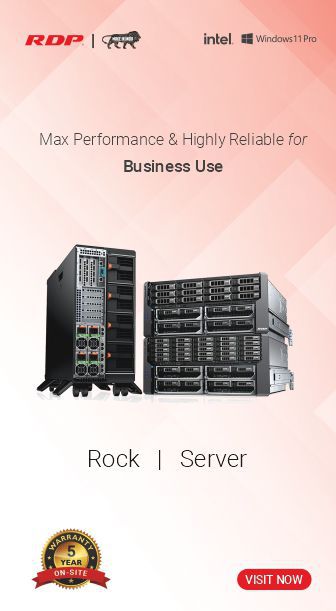
Option 3: Single-node AI Servers (Team inference and on-prem serving)
What they are
Single-node AI servers are dedicated systems designed to run:
inference workloads
internal copilots
shared departmental AI services
multi-user sandboxes
on-prem model serving with governance
This is often the “right first server” for organizations that need AI to be secure and shareable.
Best for these use-cases (examples)
Private AI assistant (on-prem)
internal knowledge, policy and SOP assistant
Department inference APIs
shared inference for internal apps
Document intelligence
extraction, classification, summarization inside the org boundary
Vision inference deployment
production inference services supporting CV applications
Multi-user AI sandbox
shared environment for teams and pilots
Typical owners / buyers
IT Infra, AI CoE, Platform engineering, Security/Ops
When a single-node server is NOT enough
When you need rack-scale GPU compute
When you need distributed training across nodes
When you need high-speed fabric and a multi-node cluster
(These are separate “AI infrastructure” programs.)
What to ask in discovery
How many users? Concurrency?
Latency expectations?
Always-on requirement?
What model size class and update frequency?
What data sources will it connect to?
Common mistakes we see (and how to avoid them)
Mistake 1: Buying for “training” when you only need inference
Many enterprise use-cases can start with inference and RAG-style workflows.
Fix: Start with a secure inference setup and scale only when proven.
Mistake 2: Picking compute first, use-case later
This leads to shelfware.
Fix: Use-case → users → constraints → form factor.
Mistake 3: Thinking one device type can solve everything
Endpoints, workstations, servers—each has a job.
Fix: Build a staged adoption path.
Mistake 4: No pilot acceptance criteria
Without validation metrics, pilots don’t become rollouts.
Fix: Define success: latency, throughput, user adoption, quality.
A practical adoption path that works
If you’re starting in 2026, this staged approach works well:
Start at endpoints (AI-Ready PCs) for productivity and adoption
Enable build/test (GPU Workstations) for teams driving use-case development
Centralize inference (Single-node AI Server) for shared, secure AI services
This gives you momentum without overbuilding infrastructure.
How RDP approaches AI Compute (BU3)
RDP AI Compute focuses on three deployable form factors:
AI-Ready PCs
GPU Workstations
Single-node AI Servers
We keep selection simple using:
standardized configuration bands (fast quoting)
reference bundles by use-case (repeatable deployments)
pilot-to-rollout approach (measurable outcomes)
What to send us (so we can recommend the right setup)
If you’re a CIO, IT leader, or partner—send:
Use-case (productivity / vision / dev / inference)
Users + expected concurrency
Data constraints (on-prem/hybrid/cloud)
Timeline and deployment environment
📩 vicky@rdp.in
We’re also open for collaborations with ISVs and SIs to build turnkey offerings.
Title: Want a quick AI compute recommendation?
Button: www.rdp.in/ai
Secondary: Partner collaboration inquiry
Contact: vicky@rdp.in