



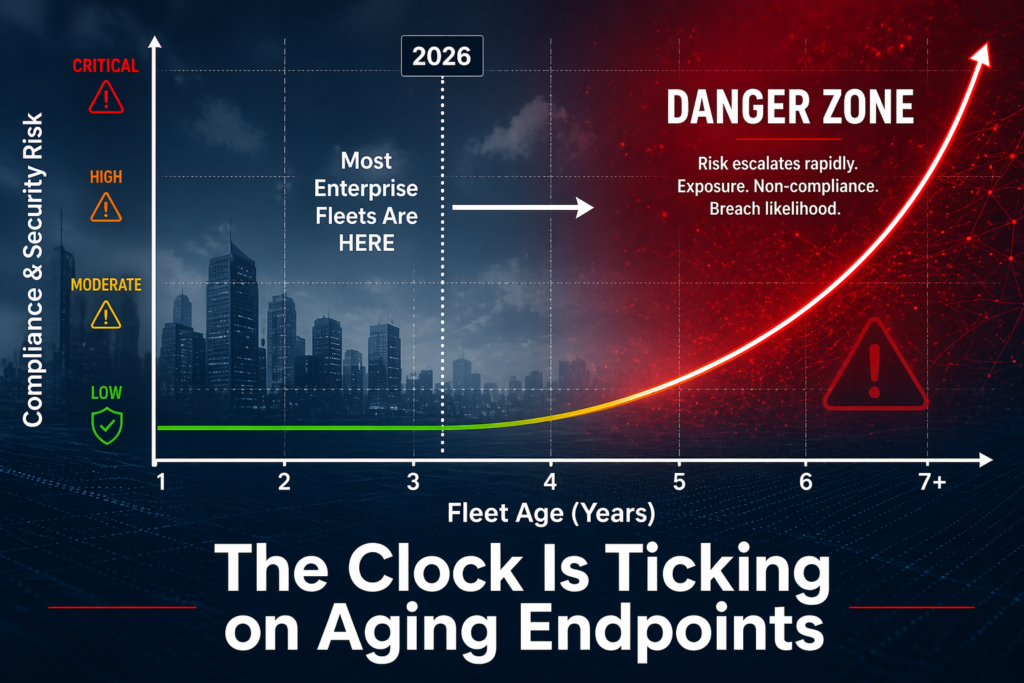
The Refresh Decision Is Not About AI—It’s About Compliance Risk
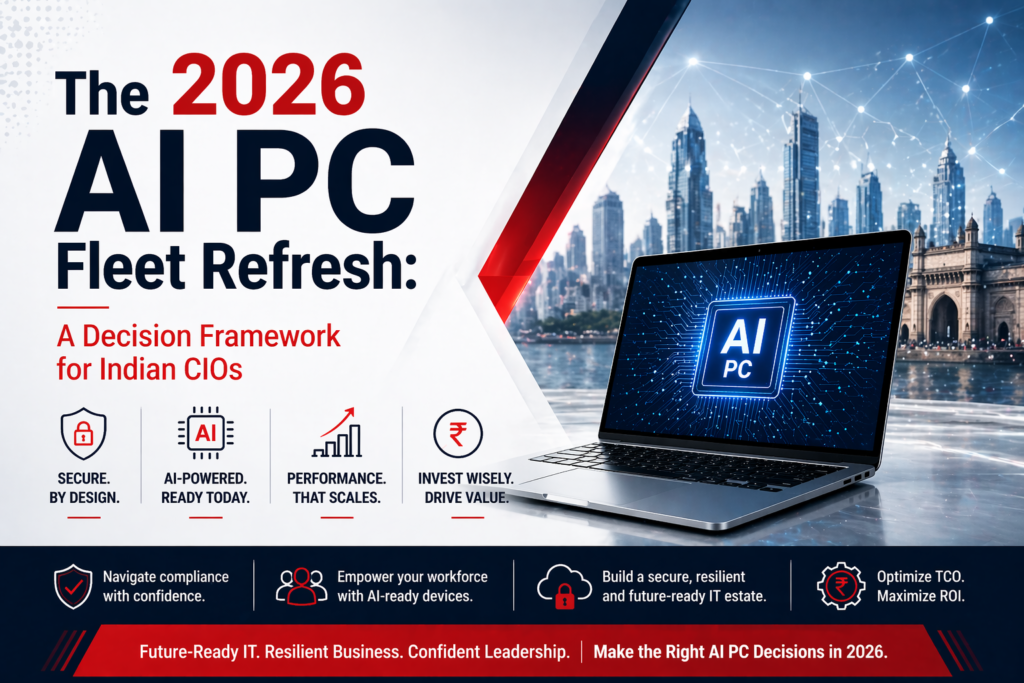
The 2026 AI PC fleet refresh conversation you’re having isn’t fundamentally about artificial intelligence. It’s about Windows 10 end-of-life (October 2025) colliding with the availability of neural processing units (NPUs) that can finally run meaningful on-device workloads without cloud dependency. For most Indian enterprises with fleet cycles of 4-5 years, this intersection creates a one-time decision point: refresh now to Copilot+-capable hardware, or double down on Windows 11 devices with integrated graphics and accept cloud-centric AI for another cycle.
The stakes are real but narrow. Windows 10 reached end-of-support in October 2025, meaning no security patches, no driver updates, and increasing vendor hesitation to certify on-premise software stacks against it. For CIOs managing 5,000–50,000 device fleets across banking, insurance, manufacturing, and government, this is a hard date. But the arrival of 40+ TOPS NPUs (Intel Core Ultra, AMD Ryzen AI series) on consumer and commercial platforms means the refresh isn’t just about compliance—it’s an option to gain local compute capacity for generative AI workloads that were previously cloud-only.
Four Questions That Clarify When to Refresh
Before engaging procurement, ask your infrastructure team these four nested questions. They will determine scope, timing, and hardware selection.
First: are any of your current fleet devices approaching or past the 4-5 year replacement window? If your last major refresh was 2021 or earlier, you have aging lithium-ion batteries, degraded thermal paste, and storage that’s likely full. Combine that with Windows 10 EOL, and you have a compliance obligation regardless of AI. If your fleet was refreshed in 2023, you have flexibility to delay 12–18 months, consolidate devices, or target only high-touch roles (developers, data engineers, CAD operators) for NPU-equipped devices while the rest run Windows 11.
Second: what classes of software are your users actually running? If your workforce is email, spreadsheets, and browser-based SaaS (true for most administrative staff, finance, and HR teams), a Copilot+-capable device is waste. A mid-range Intel Core Ultra or AMD Ryzen 7 (without NPU) or a refreshed Windows 11 machine is sufficient. Conversely, if you have teams running CAD (automotive, aerospace, manufacturing), data science workloads, custom ML pipelines, or on-premise analytics, an NPU becomes strategically valuable because it offloads inference from overloaded GPU clusters and reduces cloud egress costs.
Third: what is your on-premise AI infrastructure look like today? If you’ve already invested in private cloud GPU clusters, data lakes, or on-premise LLM servers as part of a real-cost-of-cloud-ai move, then NPU-equipped client devices become a force multiplier—they can pre-process, fine-tune, and cache on-device, reducing cluster load. If you’re still entirely cloud-dependent, NPUs are a tactical hedge against API costs and latency, but not yet a strategic architecture shift. The return on capex happens only if you’re already thinking about workload distribution.
Fourth: what is your hardware sourcing and compliance posture? If your organization falls under government, financial services, or defence-adjacent procurement rules, or if you’ve committed to made-in-India IT hardware, your supplier list is non-negotiable. Intel and AMD chips are designed and fabbed outside India; the value chain (assembly, compliance testing, warranty, support) matters more than the processor. This is where OEM partnerships and PLI 2.0-registered manufacturers become table stakes. A generic international distributor can ship Core Ultra laptops; a qualified Indian OEM can ship them with MeitY certification, BIS compliance, and a local Hyderabad-based service centre.
The NPU Threshold: 40 TOPS Is the Minimum, Not the Headline
When you see marketing claims about Copilot+ PCs, the headline is always “AI on your PC.” The specific metric is 40+ neural processing unit TOPS (tera operations per second), which Intel and AMD have both crossed on mobile and desktop platforms. This number matters because it’s the minimum throughput needed to run Copilot Pro (Microsoft’s on-device AI assistant layer) at interactive latency—roughly 200–400 milliseconds per inference, which is the psychological threshold for “feels like typing.”
But 40 TOPS tells you almost nothing about which workloads your teams will actually benefit from. A 40-TOPS NPU is excellent for real-time language model inference (summarization, email drafting, code completion, image captioning), moderate for fine-tuning smaller models on proprietary data, and useless for training, object detection at video frame rates, or compute-heavy numerical workloads. If your teams are running large-batch inference jobs (fraud detection, compliance screening, document classification), the NPU won’t be your bottleneck—your GPU cluster or cloud infrastructure will be. If they’re running interactive, single-inference workloads (a data analyst asking an LLM to explain a SQL query, a developer asking Copilot to explain a code block), the NPU bridges the latency and cost gap nicely.
The refresh decision therefore hinges on matching TOPS thresholds to real job workflows, not on the technology itself. Ask your teams: how many times per day do they interact with AI? How much latency kills productivity? How much does it cost us to route that query to Azure or Google Cloud? If the answer is “rarely, latency doesn’t matter, and cloud costs are negligible,” you don’t need 40+ TOPS hardware. If it’s “hourly, every millisecond counts, and we’re spending ₹5–10 lakhs per year on LLM API calls,” then NPU hardware is a justified capex line.
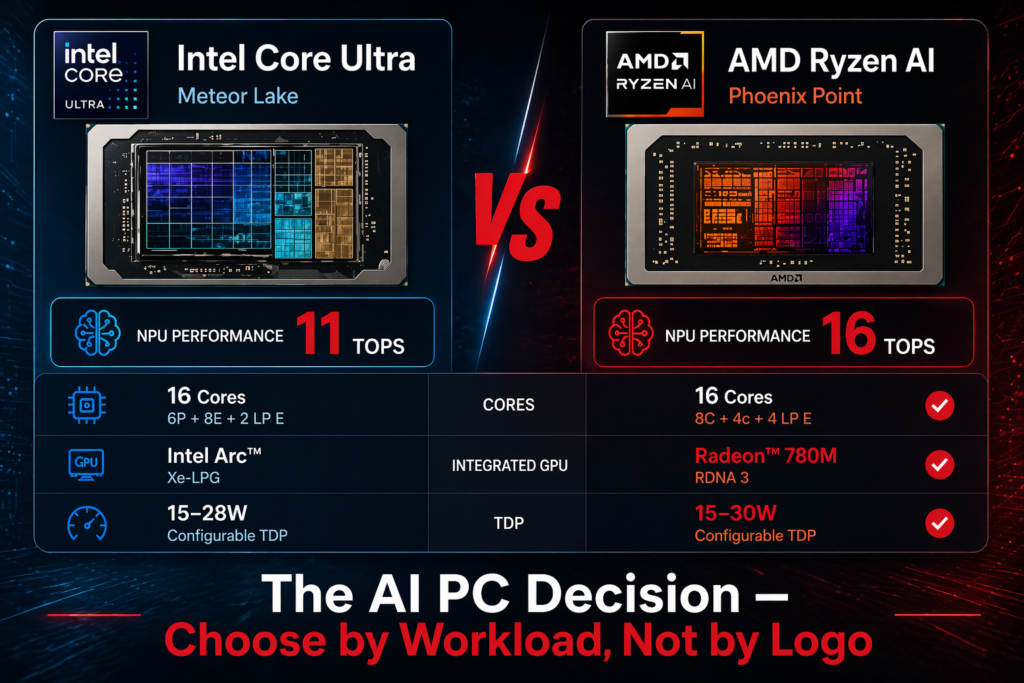
Processor Choice: Intel Core Ultra Versus AMD Ryzen AI for Indian Enterprises
Both Intel Core Ultra (Meteor Lake, Arrow Lake) and AMD Ryzen AI (Phoenix, Hawk Point) families ship with integrated NPUs; both meet the 40+ TOPS threshold for Copilot+ certification. For Indian enterprises, the choice is not about raw TOPS—it’s about ecosystem maturity, thermal performance, availability in India, and OEM support.
Intel Core Ultra arrived first (late 2023) and has fuller Windows 11 driver maturity. Ecosystem partners, enterprise software vendors, and ISVs have tested Core Ultra more extensively. If your procurement team has already validated a specific business application against Core Ultra, there’s operational risk in pivoting to Ryzen AI. AMD Ryzen AI (launched early 2024) is architecturally cleaner for multimedia and AI workloads, runs cooler than comparable Core Ultra configurations, and is increasingly favoured in new laptop designs. For fresh procurement, Ryzen AI is often the better hardware choice.
But hardware choice is not your decision alone. Your OEM partner’s product roadmap, availability, and warranty terms in India will determine selection in practice. If you’re buying through an Indian OEM like RDP (which partners with both Intel and AMD), your procurement workflow gets a compliance partner, not a distributor. The OEM validates hardware against your software stack, handles returns and warranty in India, and provides MeitY/BIS certification that a multinational supplier cannot. That partnership value—local support, regulatory alignment, supply chain predictability—often outweighs processor benchmarks for Indian enterprises.
The Case for NOT Refreshing in 2026
Not every fleet segment should refresh in 2026. The clearest case for delay is temporary workers, contractors, and remote-first roles where hardware churn is high and on-premise performance is irrelevant. Refresh these segments when you have dense adoption incentives (e.g., a new CAD platform, a migration to on-premise AI infrastructure) rather than as part of a generic fleet cycle.
The second case for delay is if your organization has made no AI capability investment yet. If you haven’t built data pipelines, hired data scientists, or allocated budget to generative AI products, NPU hardware is premature. Procurement capex without corresponding skill and architecture changes yields expensive doorstops. Delay the refresh 12–18 months, invest in AI capability (data governance, model management, on-premise infrastructure), and then refresh with intent.
The third case is cost discipline. If your fleet cycle is 4–5 years and you last refreshed in 2022–2023, you have another 18–24 months of runway on batteries, performance, and support. A managed refresh (phased, role-based, by business impact) spreads capex and reduces the risk of bulk procurement of immature hardware. The first generation of Copilot+ PCs (2024–2025) had thermal throttling issues and uneven driver support; the second generation (2025–2026) is stabilizing. Delaying 6–12 months for hardware maturity is not laziness—it’s prudent capex management.
Integration with On-Premise AI Infrastructure
The 2026 refresh decision becomes strategic only when you pair it with building your AI factory architecture. If you’re investing in private cloud GPU clusters, on-premise LLM serving, or federated learning pipelines, NPU-equipped client devices multiply that investment. A device with a 40-TOPS NPU can cache models, pre-process inference requests, run fine-tuning on proprietary datasets, and reduce the load on expensive shared infrastructure. Without that infrastructure, the NPU is a feature, not a capability.
Your refresh roadmap should therefore align with your AI infrastructure roadmap. If you’re deploying private LLM servers in 2026, refresh client hardware concurrently. If you’re staying cloud-centric, there’s no architectural urgency in 2026—Windows 11 (non-Copilot) hardware meets all requirements and costs less. The sync between capex cycles is where refresh becomes a business decision, not a technology decision.
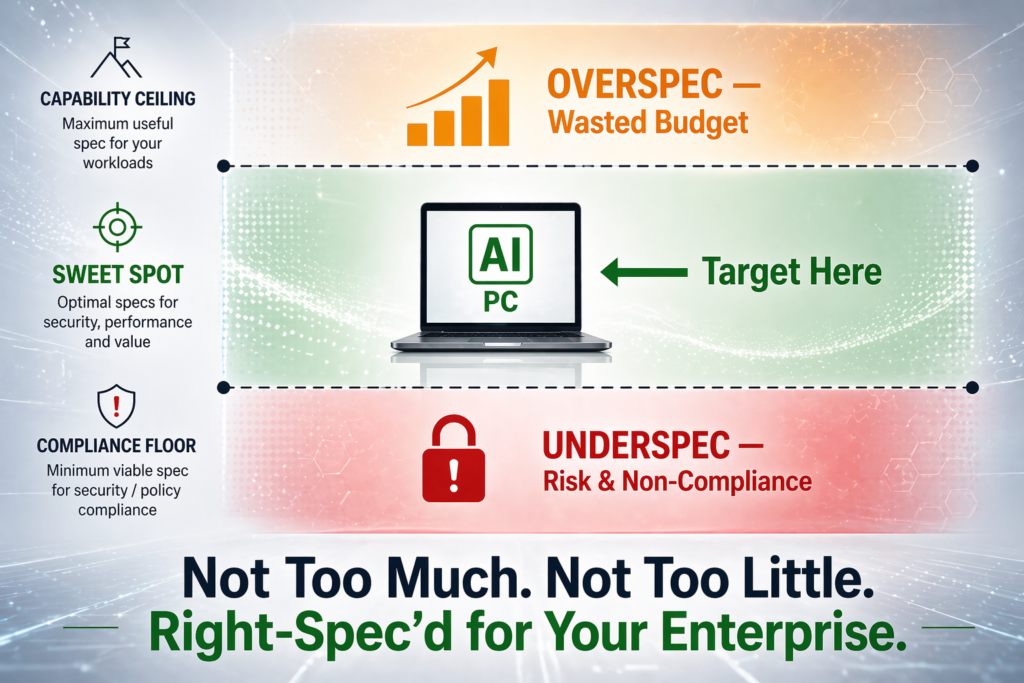
The Compliance Floor and the Capability Ceiling
In practice, most Indian enterprises will refresh in 2026 for one simple reason: Windows 10 is unsupported and increasingly risky. The compliance floor is Windows 11 on modern hardware (Intel Core Ultra, AMD Ryzen 7, or equivalent). The capability ceiling is whether you pair that hardware with on-premise AI infrastructure and workloads that benefit from local compute.
Between that floor and ceiling, your refresh decision is determined by fleet age, workload mix, AI capability investment, and supplier partnership. Ask the four questions. Match TOPS to workflows. Validate processor choice through your OEM partner. Align with AI infrastructure plans. Delay if the case is weak. Move fast if the case is strong. This framework replaces “everyone needs AI PCs in 2026” with “we refresh because of this specific constraint, for these specific roles, with this specific hardware and infrastructure plan.” That’s a decision you can defend to your board and your procurement team.
Related Reading
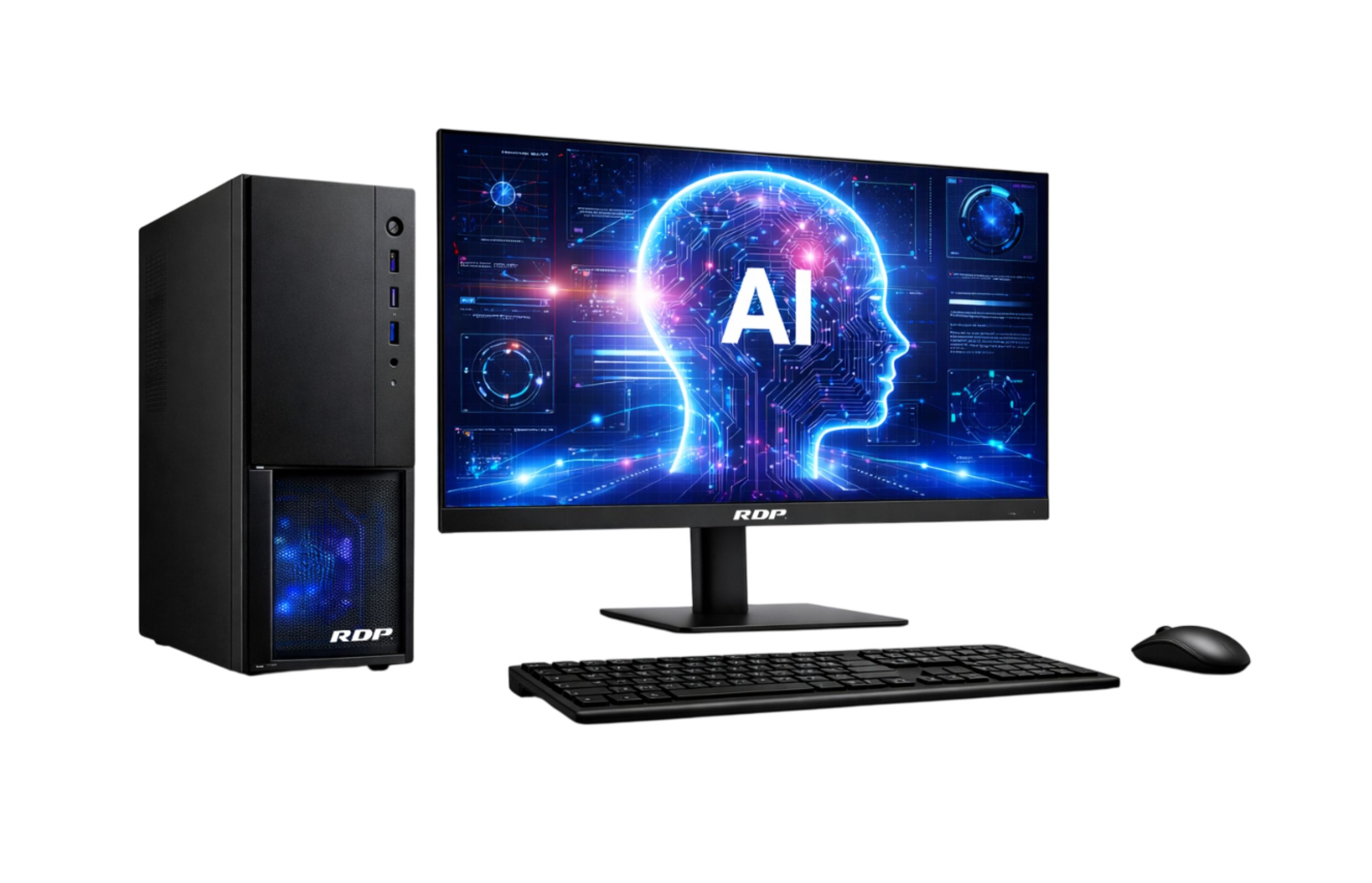
Explore RDP AI PCs built on Intel Core Ultra and AMD Ryzen AI platforms for Indian enterprise fleets. For fleet-economics data from 100K+ deployed devices, see TCO truths — 5 years of fleet data.
Table: AI PC Fleet Refresh — Decision Matrix for Indian IT Heads
| Trigger | Threshold for Action | Business Impact if Deferred | Recommended Response |
|---|---|---|---|
| Device Age | ≥4 years (knowledge workers); ≥3 years (AI/data roles) | 20–35% productivity loss vs current-gen AI PC on inference tasks | Begin phased refresh; prioritise AI-heavy teams first |
| OS End of Life | Windows 10 EOL: October 2025 | Security compliance failure; DPDP audit risk; cyber insurance invalidation | Mandatory upgrade or replacement before EOL date |
| AI Workload Readiness | No NPU; <16 GB RAM; no Copilot+ compatibility | Cannot run local LLMs, on-device inference, or AI-assisted dev tools | Replace with NPU-equipped AI PC (Intel Core Ultra / AMD Ryzen AI) |
| Support Cost Trend | Annual support cost >18% of original device value | TCO inflection point passed; repair costs exceed amortised replacement | Retire and replace; do not renew AMC |
| Procurement Window | GeM financial year end (Jan–Mar); Q2 budget release (Jul–Aug) | Missed window = 6–9 month delay in GeM procurement cycle | Plan RFQ 90 days ahead of target deployment date |
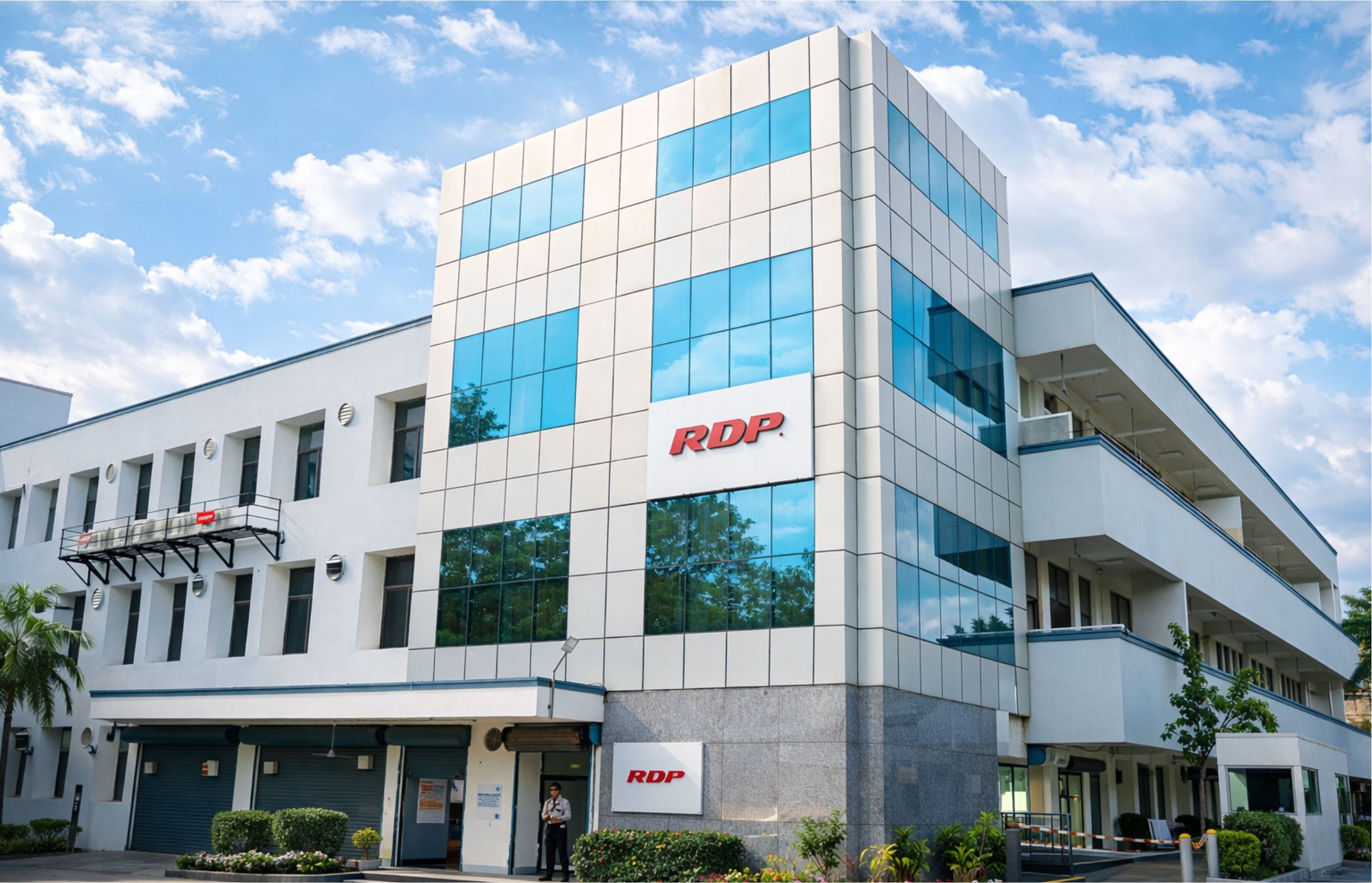
RDP Technologies Limited designs, manufactures, and supports IT hardware in India — desktops, thin clients, mini PCs, AI PCs, workstations, servers, and rack-scale AI infrastructure. 14 years. 100,000+ devices shipped. Over 1 million end users. 28,000 sq. ft. facility in Hyderabad. ISO 9001, PLI 2.0, MeitY and BIS registered.
Make in India. Built for an AI-Ready India. Reliability is Our Product.
If you are evaluating IT hardware for your organisation — speak with our team. No sales pitch, just an honest fit review.
